01 / CONNECT
Bring your own broker API.
Connect a compatible API and explore the information your provider makes available.
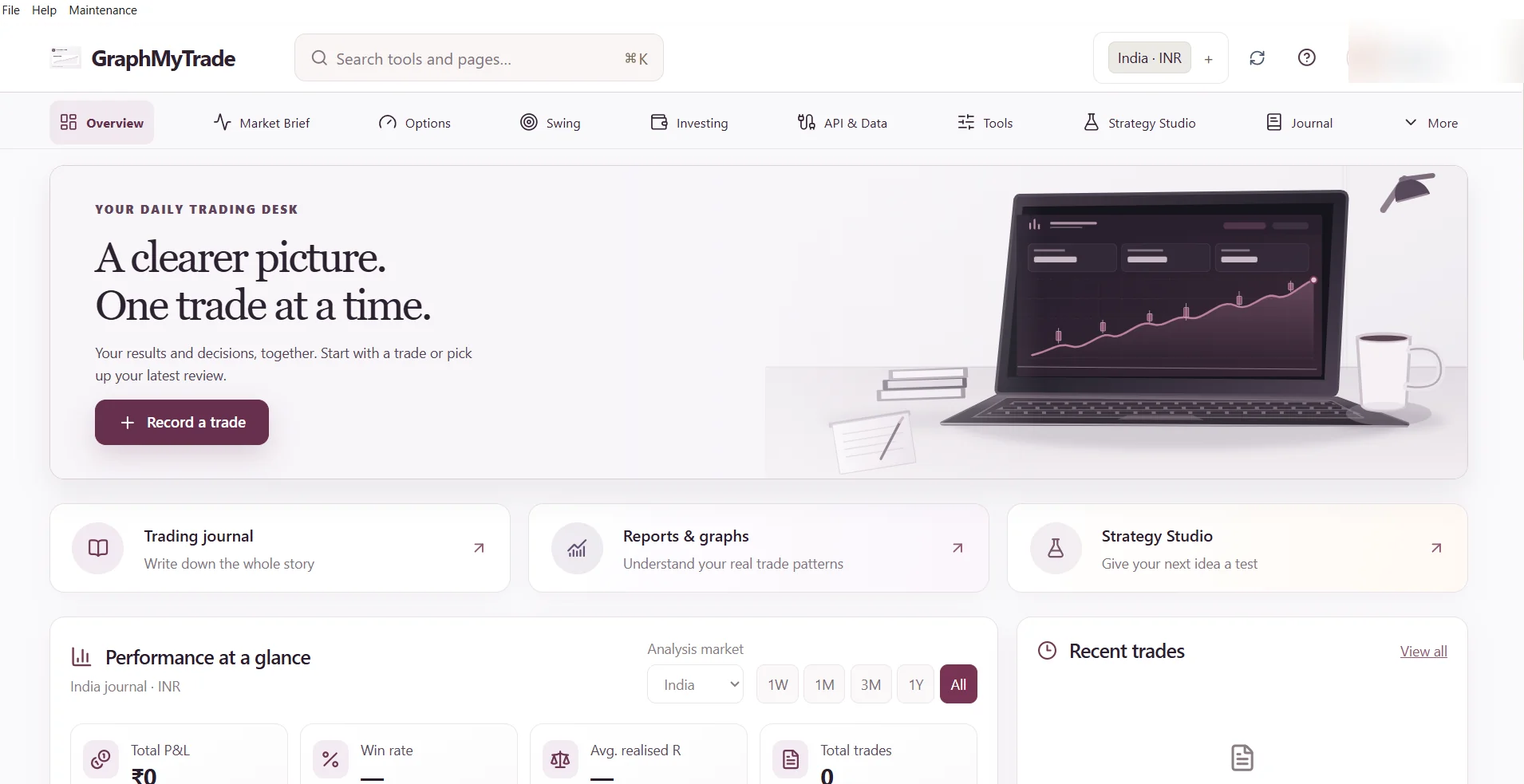
Bring your own broker API. Explore options, swing setups and market data — with your journal and insights in one place.
THE ESSENTIALS
Connect a compatible API and explore the information your provider makes available.
Understand supported options, market context and calculations together.
Review setups and longer-term opportunities with compatible data.
Log trades manually or use compatible history. Review P&L, risk and trading behaviour.
Broker/API capabilities and data vary by provider, subscription and permissions. Not all integrations are available for every market.
A SIMPLE WAY TO START
Start manually, or bring your own broker API. Your research and journal stay in the same desktop workflow.
Explore Windows download ↗Add a supported API — or use the journal on its own.
Options, swing, calculations or market research.
Track the trades, decisions and performance behind your process.
REVIEWS
Verified customer ratings and reviews will appear here when available.
Customer stories and verified ratings will be available here.
GRAPHMYTRADE FOR WINDOWS
Own your workflow with a Windows toolkit for broker-connected research, trading journals and analysis.
Desktop license
Pricing to be announcedVerified price and licensing terms will be published before checkout opens.Windows download & release details ↗Secure purchase detailsQUESTIONS
GraphMyTrade is designed for traders who want a no-code interface for compatible broker or market-data APIs. Individual API connections and available functions depend on provider support, plan and permissions.
Yes. You can manually record trades, review performance and use tools that do not require a live data feed.
Depending on the broker's supported endpoints, you may explore options data, swing and positional research, market analysis and related calculations. Not every broker provides every field or function.
No. It is an independent Windows desktop software toolkit for market analysis, journaling and research. It does not provide brokerage accounts or guaranteed trading results.
Automated order execution, position closing and kill-switch controls require separate broker-supported integrations and verification. Do not assume these capabilities are available.
Use the official download page. The signed installer, confirmed license price and terms will be published when the verified release is available.
Broker data. Research. Journal. Reviews.
Get GraphMyTrade for Windows ↗